Keep your TV
The seller says a smart TV is not required. A compatible older television with a free HDMI input may be suitable; verify your model and the services you plan to use.
Explore a compact HDMI TV device marketed for use with Wi-Fi and compatible televisions. Compare Playvero prices, check the requirements for your favorite services, and choose the bundle that fits your home.
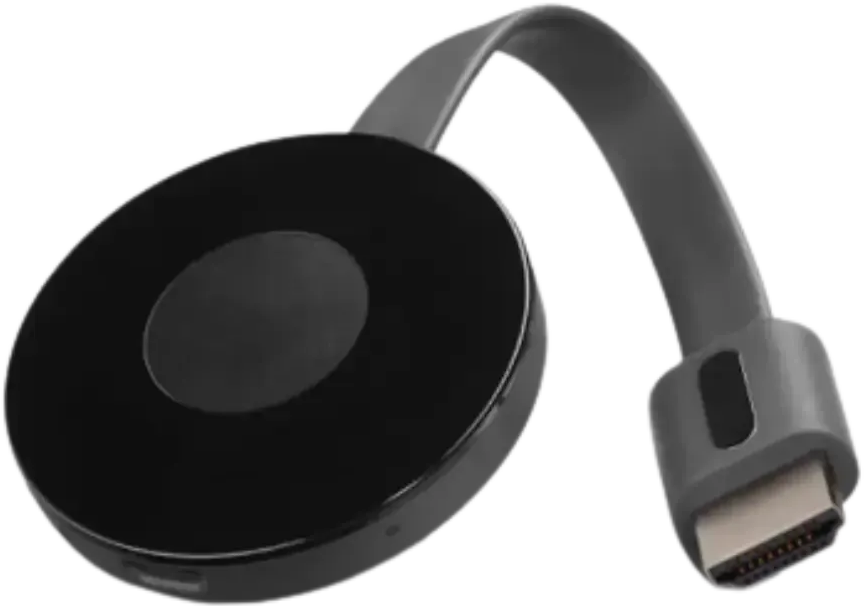
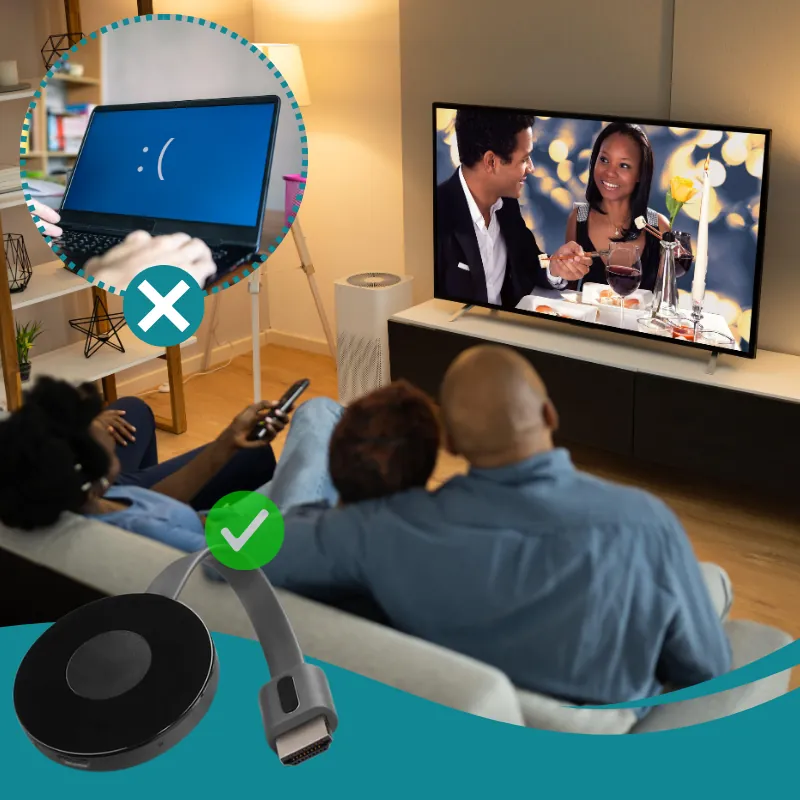
PLAYVERO is promoted as a compact way to add viewing options to a compatible television. Its appeal is a small HDMI device and a setup that the seller describes as straightforward. Confirm the services you want to use before ordering.
A small device and a familiar TV screen: start with the setup you have, then explore the streaming options available to you.
The seller says a smart TV is not required. A compatible older television with a free HDMI input may be suitable; verify your model and the services you plan to use.
Connect the device, select the correct TV input, join Wi-Fi, and follow the on-screen instructions.
Compare the bundle totals and review shipping and returns. The seller advertises a 60-day guarantee; eligibility and return instructions come from its support team.
PLAYVERO is the name used in the seller’s offer for a compact HDMI entertainment device. The seller describes using it with a television and Wi-Fi. Below is the information published in the pages reviewed, alongside the technical details still needed to assess a specific setup.
| Feature | Published information and limitations |
|---|---|
| TV connection | The seller specifies an available HDMI input. An exact HDMI version and a tested-TV model list were not provided. |
| Network | Reliable Wi-Fi is listed as a requirement. Wi-Fi bands, wireless standard, minimum speed and Ethernet support were not specified. |
| Smart TV requirement | The checkout FAQ says a smart TV is not required and that compatible older televisions with HDMI can be used. |
| Standalone or mirroring | The reviewed pages do not clearly establish whether apps run on the device itself or whether it needs a phone, tablet or computer for screen mirroring. |
| Resolution and picture formats | No model-specific maximum resolution, frame rate, HDR specification or evidence of 4K output was published in the pages reviewed. |
| Apps and channels | The checkout refers to supported streaming options but does not provide a named app or channel list. It says some services may require their own account or subscription. |
| Power and accessories | Required voltage/current, power connector, adapter, cables, remote control and a complete box-contents list were not specified. |
| Hardware and software | Manufacturer, exact hardware model, operating system, processor, RAM, storage, dimensions, weight and update policy were not provided. |
| Device fee | The promotional page advertises a one-time purchase without a monthly device fee. Internet access and third-party services can have their own costs. |
| Buying options | One-, two- and three-device bundles appear at the seller checkout. Price and return information are explained below. |
Start with the television connection, then check how your preferred services will run. Having an HDMI socket alone does not establish compatibility with every app or viewing method.
A standalone streaming device runs supported apps on its own hardware. A mirroring receiver shows content sent by another device. That difference affects the need for a phone, the controls and service compatibility. The reviewed PLAYVERO pages do not identify which operating method applies to the model being sold.
The seller FAQ describes travel use with a compatible TV and Wi-Fi, with content varying by country. Its multi-device bundles are offered for additional televisions or gifts. Hotel network sign-in support and country-specific app compatibility were not documented.
The seller describes setup as taking a few minutes. Have a compatible television, an available HDMI input and reliable Wi-Fi ready, and use the instructions supplied with your device.
Plug PLAYVERO into an HDMI port and provide power as directed in the included setup instructions.
Select the HDMI input you used and follow the supplied or on-screen directions for the network connection. The seller lists reliable Wi-Fi as a requirement.
Follow the seller’s directions for accessing supported content. Accounts, subscriptions and availability depend on the service; an app-by-app compatibility list was not published in the pages reviewed.
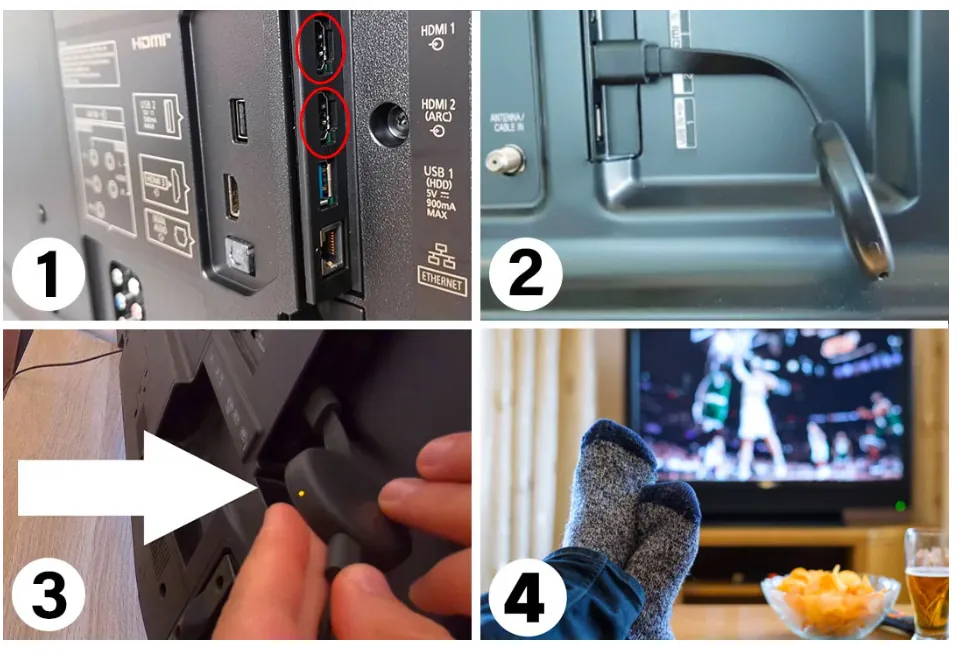
Content catalogs, apps, channel access, and streaming quality can vary by service, location, connection, and device compatibility.
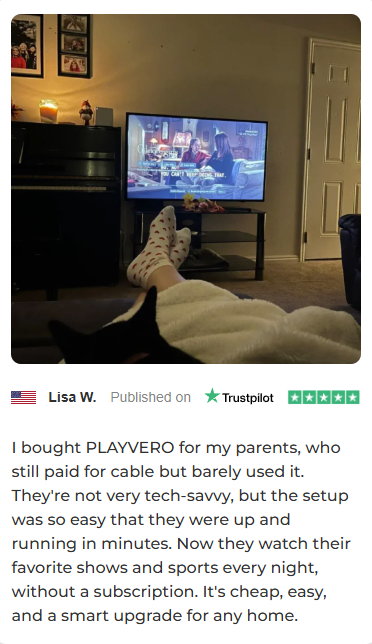
Lisa says she bought the device for her parents and found the setup approachable for them.
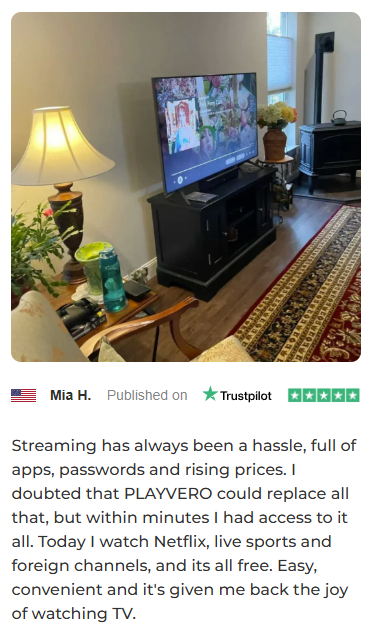
Mia describes finding a simpler way to navigate her TV viewing options.
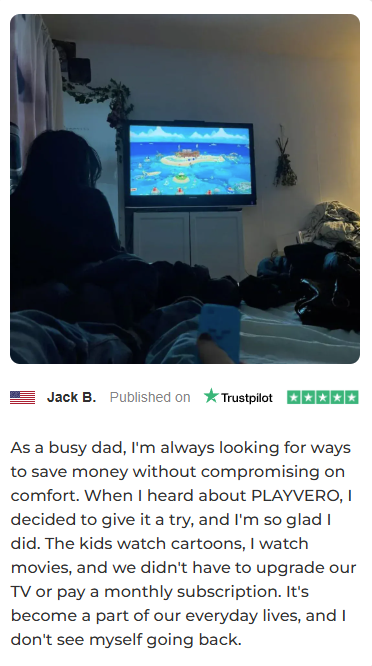
Jack says the compact device became part of his family’s everyday TV routine.
The checkout currently offers three quantities. All buttons below open the same secure checkout, where you select your bundle before entering payment details.
USD bundle prices and advertised discounts checked on October 8, 2026, at the linked seller checkout. The comparison prices are the seller’s displayed reference prices; their previous selling history has not been verified. Free shipping is shown for these bundles, while the general shipping terms say fees may vary by destination. Confirm quantity, taxes, extras, shipping and the final total before payment.
The checkout advertises free shipping for all three listed bundles and names UPS Ground with an estimated delivery time of 3–5 business days.
The general terms describe dispatch in 24–48 hours for orders placed from 6 a.m. to 3 p.m., Monday through Friday, and exclude postal holidays from business days. No timezone is specified. Dispatch and delivery are estimates, not an arrival guarantee.
The terms also say shipping fees can depend on destination. Check the shipping line for your actual address before payment.
The shipping policy says the seller sends a shipment confirmation email with tracking information.
The linked checkout opened with three units selected during our review. Change the quantity if needed and check each line of the order summary. Taxes, optional extras and the payment methods available for your order must be confirmed at checkout.
Orders and refunds are handled by the seller, not by this affiliate guide.
Website: langleyretail.com
Email: support@langleyretail.com
Phone: 833-303-3509
The checkout advertises customer support availability around the clock; response times have not been tested. Request current return authorization and instructions before shipping an item to the published address.
This contact information identifies the checkout operator. The reviewed pages do not establish the hardware manufacturer or exact model.

The checkout advertises a 60-day money-back guarantee. Its refund terms describe returns of unused products. Before opening or trying a device, ask the seller whether that affects eligibility, which deadline applies, who pays return shipping and whether any deductions apply. Obtain return instructions before sending a package.
Seller support shown at checkout: support@langleyretail.com.
PLAYVERO is marketed as a compact HDMI entertainment device for a compatible TV and Wi-Fi network. This guide summarizes the seller’s published information; it is not a hands-on test.
The seller FAQ says a smart TV is not required. Your television needs an available HDMI input and must be compatible with the device. A tested-TV model list was not published in the reviewed pages.
That was not clearly documented in the reviewed seller pages. Ask for the exact model number and manual, and confirm whether a phone, tablet or computer is needed.
The reviewed seller pages do not publish a model-specific output resolution, frame rate or HDR specification. We therefore do not claim 4K or HDR support.
No named compatibility list or verified included-channel lineup was published in the seller pages reviewed. Ask the seller about each service you plan to use.
No included paid membership was documented in the material reviewed. The checkout FAQ says some services may require their own account or subscription. A device purchase alone should not be treated as a subscription to a separate provider.
The promotional offer advertises no monthly device fee. Internet service and optional third-party subscriptions may cost extra. Check the final order for any additional or recurring options before payment.
The seller describes connecting the device to HDMI, joining Wi-Fi and following on-screen directions. Use the supplied instructions for power and the exact connection method. A downloadable model-specific manual was not located during this review.
The checkout specifies the number of PLAYVERO devices in each bundle. It does not publish a complete accessory list in the material reviewed. Confirm the remote, power cable, adapter and instructions before ordering.
On October 8, 2026, the linked checkout displayed $28.99 for one device, $39.98 total for two, and $52.98 total for three. Offers can change; shipping, taxes and any extras must be checked in the final order summary.
The reviewed checkout shows free shipping on the listed bundles and an estimated 3–5 business days with UPS Ground. Its general terms say shipping fees may vary by destination and describe dispatch in 24–48 hours for qualifying weekday orders. Confirm the offer for your address.
The seller describes use with a compatible TV and reliable Wi-Fi. Content availability can vary by country. Hotel sign-in networks, app restrictions and specific country compatibility were not documented in the reviewed pages.
The checkout advertises a 60-day money-back guarantee for eligible returns or refunds. Its refund terms refer to unused products. Ask support whether opened or tested devices qualify, what deadline applies, who pays return postage and whether deductions apply before purchase.
Contact the seller at support@langleyretail.com or 833-303-3509. Keep your order details and obtain current return instructions before sending a package. This affiliate website does not process payments, delivery or refunds.
The checkout offers one-, two- and three-device bundles. Three devices were selected when we reviewed the affiliate link. Select your preferred bundle and verify the quantity and total before payment.
No. This guide is based on the seller’s pages reviewed on October 8, 2026. Seller-published stories are identified as marketing material; we do not publish an independently verified star rating.
Compare the bundles, choose the quantity that works for you, and review the final order details at checkout.
See PLAYVERO bundles →This guide draws on the seller’s published offer and checkout, reviewed on October 8, 2026. We checked package pricing, the checkout FAQ, shipping terms, refund terms and contact information.
PLAYVERO seller checkout — bundle choices, FAQ and the Terms & Conditions and Contact Us buttons in its footer.
Seller promotional page — advertised connection and setup information. The checkout FAQ qualifies content access: provider accounts or subscriptions may be required.